How to Use Muha Meds Disposable With Button: Device Guide, Button Functions, and Safety Information
Introduction: How to Use Muha Meds Disposable With Button
The search phrase how to use Muha Meds disposable with button is commonly associated with questions about button-operated disposable devices, device controls, product identification, and manufacturer instructions.
People searching for this topic may have encountered a disposable device with a visible button and want to understand what the button does. Others may be comparing different device designs or trying to determine why a particular device does not respond as expected.
An important distinction is that not every disposable device has the same design. Button placement, indicator lights, activation systems, and operating instructions can vary between products and generations.
For that reason, a general online description should not replace the instructions supplied for the exact device.
This guide explains the terminology associated with button-operated disposable devices, discusses how to identify product information, and covers common questions about buttons, indicator lights, device problems, and verification.
For additional product information, readers can visit the Muha Meds homepage, Muha Meds authentication guide, and How to Verify Muha Meds.
What Is a Muha Meds Disposable With a Button?
A disposable vape device is a compact electronic device designed around an integrated power source and a product container. Some designs include a visible external button, while other designs use different activation systems.
The phrase Muha Meds disposable with button describes a search for a button-equipped product or device design associated with the Muha Meds name.
However, the presence of a button does not establish:
The exact product generation.
The device’s electrical specifications.
Its battery capacity.
Its heating system.
Its activation sequence.
Its compatibility with a particular charger.
The contents or composition of the product.
Those details need to be confirmed using the exact product documentation.
A button may have different functions depending on the device. It should not be assumed that a button on one model operates in the same way as a button on another.
Why Do Some Disposable Devices Have Buttons?
Electronic disposable devices can use different control designs.
A visible button may be included as part of the device’s control interface. Depending on the manufacturer’s design, a button could be associated with a control function, an indicator, or another device feature.
The exact purpose cannot be determined from appearance alone.
A device may also have an indicator light, display, or other visible feature. These features should be interpreted using the manufacturer’s documentation rather than generic instructions found online.
Button-operated and draw-activated designs
Two broad design descriptions often appear in searches:
Button-operated design: A device has a visible button that forms part of its control system.
Draw-activated design: A device uses an inhalation sensor as part of its activation system and may not have a conventional external button.
These are general design categories. They do not establish the specifications of a particular Muha Meds product.
Readers should identify the exact model before interpreting any control or activation instructions.
How to Identify the Correct Muha Meds Disposable Instructions
Before relying on an online guide, identify the device as accurately as possible.
1. Check the exact product name
Look at the name printed on the device packaging. Record the full product name rather than relying on a shortened name from a website listing.
2. Check the product generation
Product generations may have different designs and verification procedures.
A generation label should be confirmed from packaging or manufacturer documentation. Do not infer it from the device’s color, shape, or button placement.
3. Check the manufacturer instructions
Look for instructions supplied with the exact product. These should explain the intended functions and any relevant operating limitations.
4. Check the device markings
Examine visible product markings and packaging information. If the model cannot be identified, avoid applying instructions intended for another device.
5. Verify the product information
Use the manufacturer’s published verification instructions where applicable.
The Muha Meds verification guide provides additional information about product identification.
What Does the Button on a Disposable Device Do?
There is no universal answer because button functions depend on the device design.
A button may be part of a device’s control interface, but its exact function should be established through the manufacturer’s documentation.
Avoid assuming that the button:
Always activates the device.
Always changes an operating setting.
Always controls an indicator.
Has the same function across all generations.
Uses a standard press pattern.
Instructions such as repeated clicking, holding the button for a specific number of seconds, or combining button presses with charging should not be followed unless they are explicitly documented for the exact model.
Generic button sequences can be misleading and may result in incorrect operation or damage.
Understanding Indicator Lights on Button-Operated Devices
Some electronic disposable devices include indicator lights. These lights may communicate information about device status, but their meanings vary.
A light’s color or flashing pattern should not be interpreted without the product-specific instructions.
For example, an indicator could be associated with a battery condition, a device status, or an error. The meaning depends on the manufacturer’s design.
Do not assume that a particular color always means the same thing across different products.
If the device displays an unexpected light pattern, consult the instructions for that exact model. If the instructions are unavailable, contact the manufacturer through an official support channel.
Why a Muha Meds Disposable Button May Not Respond
A device that does not respond to a button press may have several possible explanations.
It is important not to assume that the problem can be resolved by repeatedly pressing the button or attempting an undocumented reset.
Product identification problem
The device may have been incorrectly identified. Instructions for a different model may not apply.
Battery or power issue
An electronic device may have a power-related fault. However, the cause cannot be established from the button response alone.
Do not attempt to open the device, replace internal components, or use an unapproved charging accessory.
Device fault
A defective or damaged electronic component may prevent normal operation.
If a device is visibly damaged, unusually hot, leaking, or producing an unusual smell, stop using it and keep it away from flammable materials.
Product authenticity concern
An unfamiliar device design, inconsistent labeling, or failed verification attempt may warrant further investigation.
A button’s appearance or response is not proof of authenticity.
The manufacturer’s verification instructions are a more appropriate starting point than trying to diagnose authenticity through button behavior.
Should You Keep Pressing a Button If the Device Does Not Work?
No. Repeatedly pressing an unresponsive button is not a reliable way to diagnose a device.
If a device does not respond as expected:
Stop attempting undocumented button combinations.
Check the exact model and its supplied instructions.
Inspect the exterior for visible damage or leakage.
Do not open or modify the device.
Contact the manufacturer or an appropriate support service for guidance.
If the device becomes unusually hot, swells, leaks, or shows signs of battery damage, stop handling it unnecessarily and keep it away from children, pets, and flammable materials.
Can Every Muha Meds Disposable Be Operated With a Button?
This should not be assumed.
Disposable devices can have different control and activation designs. A product listing that uses the word “disposable” does not establish whether the device has a button.
Likewise, the presence of a button does not establish that the product uses a particular activation method.
The correct approach is to identify the exact device and check its manufacturer documentation.
Muha Meds Disposable Button vs. Other Product Formats
It is important to distinguish disposable devices from other product formats.
The Muha Meds website separates several product categories:
These formats are not interchangeable.
A cartridge, for example, may be designed for a separate compatible device, while an all-in-one product is organized as an integrated product format.
A product category does not establish the precise button design or technical specifications of an individual device.
Does a Button Confirm That a Muha Meds Disposable Is Genuine?
No.
A visible button, familiar shape, logo, or indicator light cannot independently prove that a product is authentic.
Counterfeit or inaccurately described products may imitate visual design elements. Therefore, product identification should involve more than appearance.
Check the exact packaging, manufacturer information, and applicable verification instructions.
The following resources provide further information:
The manufacturer’s verification resource is also available at:
https://www.muhameds.com/verification
A successful verification result should not be interpreted as proof that a product is safe or uncontaminated.
Charging and Battery Safety Considerations
Some electronic devices contain rechargeable batteries, while others may have different power arrangements.
Do not assume that every disposable device is rechargeable or that all devices use the same charging connection.
Before connecting any device to a power source, check the manufacturer’s instructions for the exact model.
Important battery safety considerations include:
Do not use a device with a swollen or damaged battery.
Do not attempt to open the battery compartment.
Do not use damaged charging accessories.
Do not leave a damaged electronic device unattended while connected to power.
Keep electronic devices away from excessive heat and moisture.
Do not attempt to repair internal electrical components yourself.
If a device becomes unusually hot, emits smoke, or shows signs of battery failure, stop using it and follow appropriate local battery-safety guidance.
What to Do If the Product Information Is Missing
Sometimes a product is presented without clear model information, operating instructions, or manufacturer documentation.
In that situation, avoid guessing.
A responsible product-information check should establish:
The exact product name.
The product generation, if identified.
Whether the device includes a button.
The manufacturer’s explanation of the button’s function.
Relevant battery and charging instructions.
The appropriate verification process.
If these details cannot be confirmed, the device’s intended operation remains uncertain.
The Muha Meds FAQ is another starting point for general product questions.
Health and Safety Information About Vaping Products
Device instructions are only one part of understanding a vaping product. Health risks should also be considered.
The U.S. Centers for Disease Control and Prevention explains that THC can affect memory, attention, decision-making, and risk-taking. The CDC also notes that oils and concentrates used in vaping may contain highly concentrated THC and may include additives or contaminants.
Vaping has also been associated with lung injury.
Useful public-health resources include:
CDC – Cannabis Frequently Asked Questions: https://www.cdc.gov/cannabis/faq/
CDC – About Cannabis: https://www.cdc.gov/cannabis/about/
CDC – Cannabis Health Effects: https://www.cdc.gov/cannabis/health-effects/
FDA – Lung Injuries Associated with Vaping Products: https://www.fda.gov/news-events/public-health-focus/lung-injuries-associated-use-vaping-products
This article is informational and does not recommend cannabis use or claim that any specific device or product is safe.
Cannabis laws differ by location. Readers should understand and follow the laws applicable to their jurisdiction. Cannabis products should be kept away from children and pets.
Frequently Asked Questions: How to Use Muha Meds Disposable With Button
1. What is a Muha Meds disposable with a button?
It refers to a disposable device associated with the Muha Meds name that has a visible button. The exact button function depends on the device model and its manufacturer instructions.
2. What does the button do?
There is no universal function. The button may be part of the device’s control system, but its intended purpose must be confirmed through the instructions for the exact model.
3. Do all Muha Meds disposable devices have buttons?
That should not be assumed. Device designs can vary, and not every disposable product necessarily uses the same control interface.
4. Why is my disposable button not responding?
Possible explanations include an unidentified model, a power-related problem, a device fault, or incorrect instructions. Stop attempting undocumented button sequences and consult the manufacturer.
5. Can I use instructions from another Muha Meds disposable?
Not unless the manufacturer confirms that the instructions apply to the exact device. Similar-looking devices may have different designs and controls.
6. Does the button prove that the device is authentic?
No. Button placement and appearance are not authentication methods. Use the manufacturer’s verification instructions.
7. How can I identify the product generation?
Check the exact packaging and manufacturer documentation. Do not infer the generation from appearance alone.
8. Can I open the disposable to inspect the button?
Opening or modifying an electronic disposable device can expose internal components and batteries. Do not dismantle the device.
9. What should I do if the device gets unusually hot?
Stop using it. Keep it away from flammable materials and follow appropriate battery-safety guidance. Do not continue trying to activate or charge a damaged device.
10. Where can I find Muha Meds verification instructions?
Visit the How to Verify Muha Meds guide and consult the manufacturer’s verification resource.
11. Is a disposable the same as a cartridge?
No. These are different product-format descriptions. A cartridge may require a separate compatible device, while an all-in-one format is designed as an integrated product.
12. Where can I find more Muha Meds product information?
Visit the Muha Meds homepage, FAQ, and authentication guide.
Conclusion: Understanding Muha Meds Disposable Buttons
The search phrase how to use Muha Meds disposable with button raises questions about device controls, product generations, activation designs, and troubleshooting.
The most important point is that button functions are model-specific. A generic online button sequence should not replace the manufacturer’s instructions for the exact device.
Before interpreting a button or indicator, identify the product, check its packaging, and consult the applicable manufacturer documentation. Avoid opening, modifying, or attempting undocumented resets on electronic disposable devices.
For additional product information, explore the Muha Meds homepage, authentication guide, verification guide, and FAQ.
Accurate product identification and responsible safety information are more reliable than assumptions based on a device’s appearance.
-
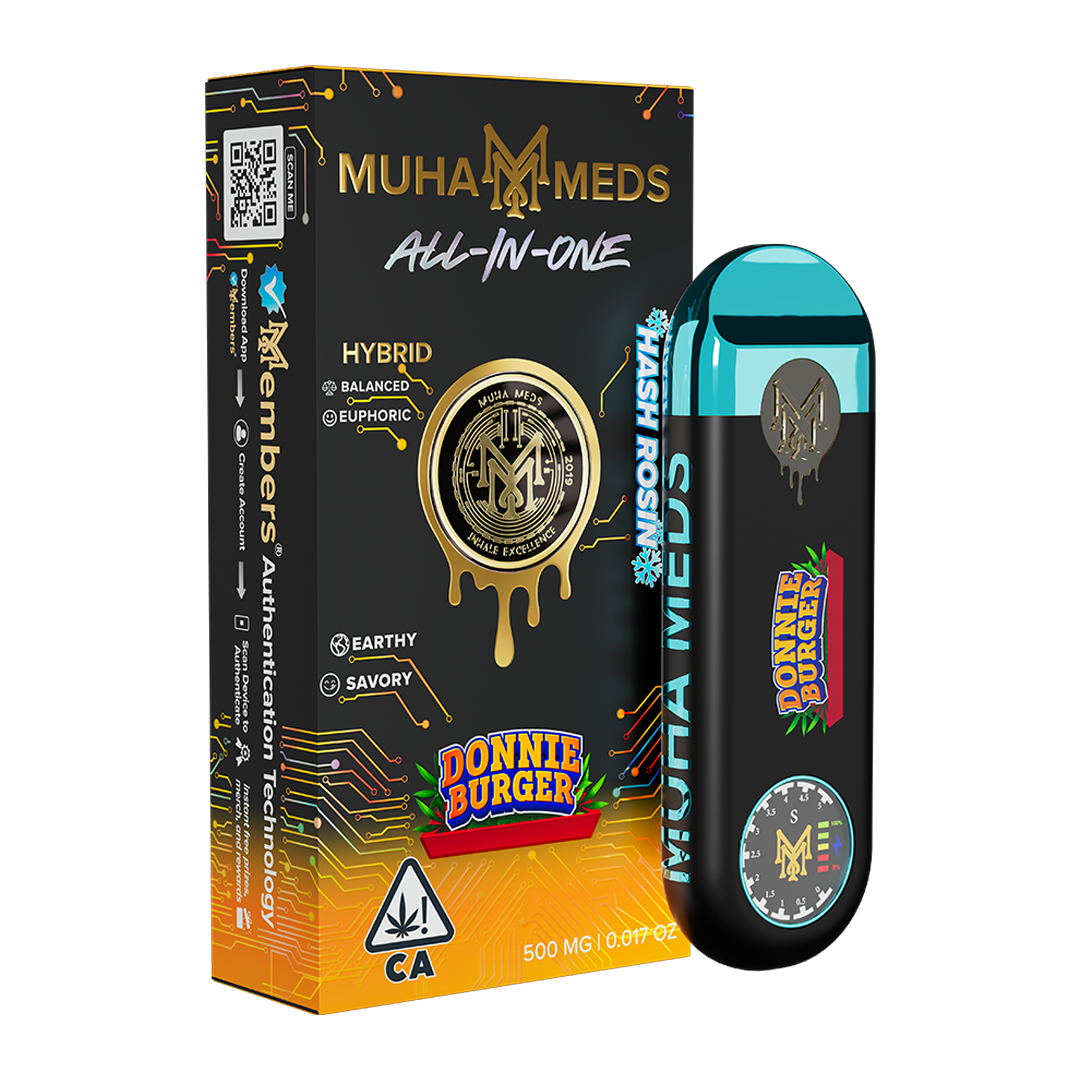
Muha Meds Donnie Burger All-In-One – Hybrid Hash Rosin
ALL-IN-ONE Original price was: $30.00.$20.00Current price is: $20.00. -
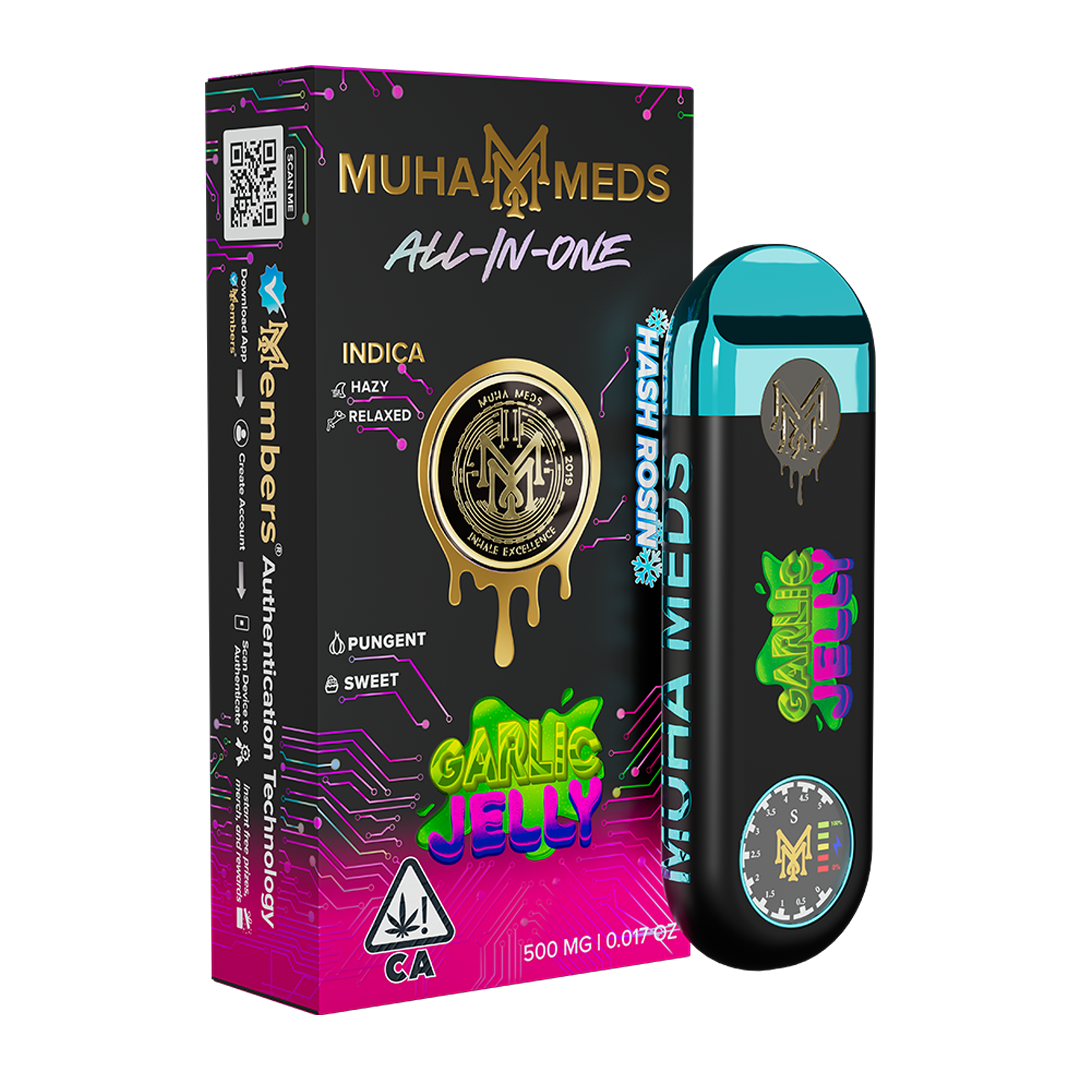
Muha Meds Garlic Jelly All-In-One – Indica Hash Rosin
ALL-IN-ONE Original price was: $30.00.$20.00Current price is: $20.00. -
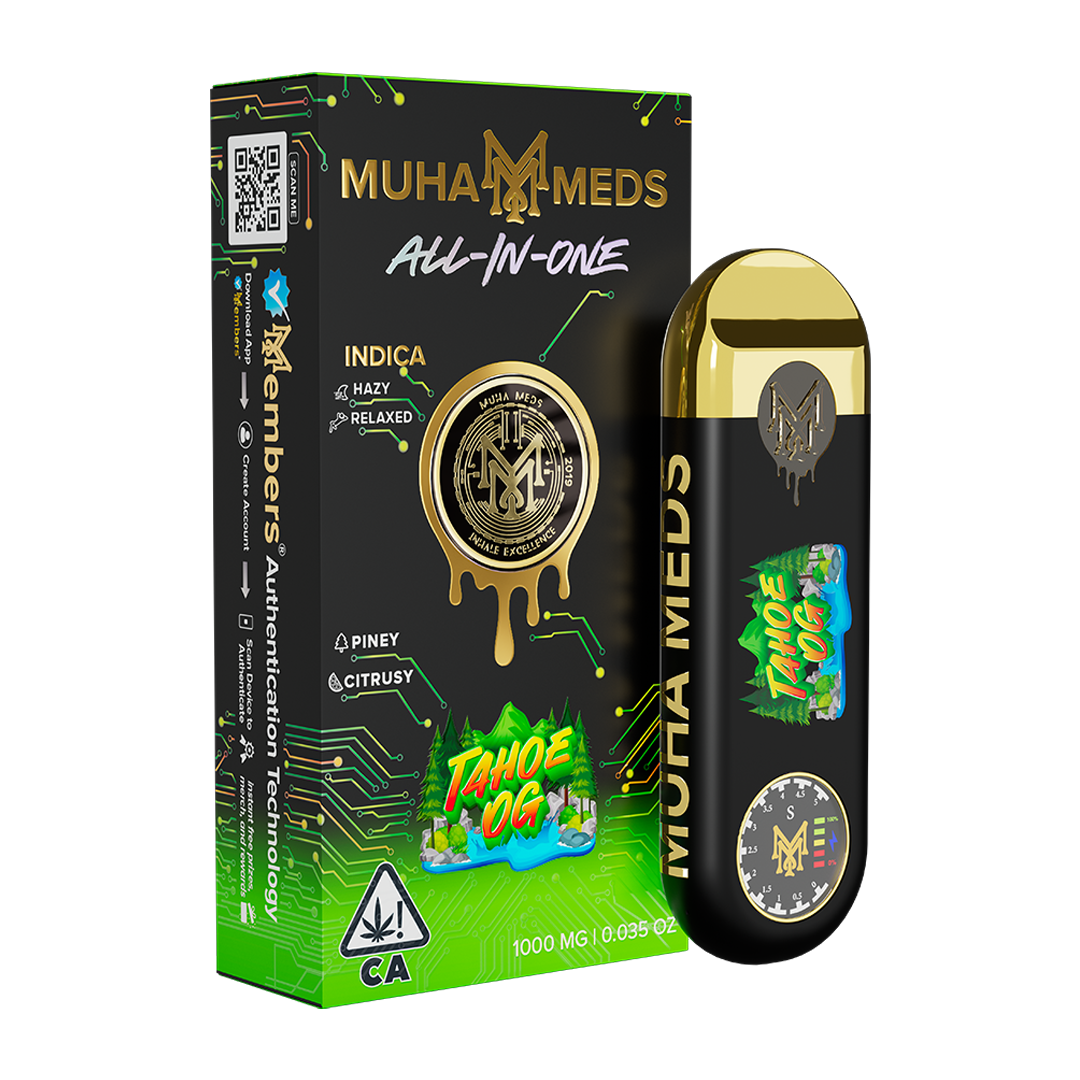
Muha Meds Tahoe OG All-In-One – Indica
ALL-IN-ONE Original price was: $30.00.$20.00Current price is: $20.00.